How to Record a Chess Game and Save It as PGN
Recording a chess game means writing down every move so the game can be replayed, analysed or shared later. You can do it with pen and paper, or let a digital board do it for you and export the result as a PGN file.
Short answer: write each move in algebraic notation (for example 1. e4 e5 2. Nf3 Nc6) on a score sheet, then type it into a .pgn text file or paste it into an analysis site. If you play on a digital board, it records the moves for you: on this site, press Copy PGN or Download PGN.
Three ways to record a game
- Paper score sheet. The traditional way, required in most tournaments. Each player writes both players' moves.
- Type the moves into a PGN file. PGN (Portable Game Notation) is a plain-text format every chess program understands.
- Play on a digital board that records automatically. Nothing to write: export the finished game as PGN.
How to write moves in algebraic notation
Every square has a name: a letter for the file (a to h, from White's left) and a number for the rank (1 to 8, from White's side). A move is written as the piece letter plus the square it goes to.
| What happened | How to write it | Example |
|---|---|---|
| Pawn move | just the square | e4 |
| Piece move | K king, Q queen, R rook, B bishop, N knight + square | Nf3 |
| Capture | add x (pawns use their file) | Bxc6, exd5 |
| Check / checkmate | add + / # | Qh5+, Qxf7# |
| Castling | kingside / queenside (capital letter O) | O-O, O-O-O |
| Promotion | square + = + new piece | e8=Q |
| Two identical pieces could move there | add the starting file or rank | Nbd2, R1e2 |
Moves are numbered in pairs: 1. e4 e5 2. Nf3 Nc6 3. Bc4 Nf6 means White played e4, Black answered e5, and so on.
What a PGN file looks like
A PGN file is plain text: a few tags in square brackets, then the moves, then the result. You can write one in any text editor and save it with the .pgn extension.
[Event "Casual game"]
[Site "Kitchen table"]
[Date "2026.10.21"]
[White "Maya"]
[Black "Sam"]
[Result "0-1"]

1. f3 e5 2. g4 Qh4# 0-1
The result is written as 1-0 (White won), 0-1 (Black won), 1/2-1/2 (draw) or * (game unfinished).
Turning a paper score sheet into PGN
- Copy the moves from the sheet into a text file, keeping the move numbers.
- Check castling is written with the letter O (
O-O), not zero. Many programs accept both, but O is the standard. - Add the tags at the top (at least White, Black and Result) and save as
game.pgn. - To analyse it, paste the text into a free analysis tool, such as the "Import game" page on Lichess, which also shows any illegal move you may have written down.
Recording a game on a phone or tablet
If you play on a digital board, every move is already stored. On Chess Pass n Play, the free two-player board on this site:
- The move list fills in as you play (open "Move History" below the board on phones).
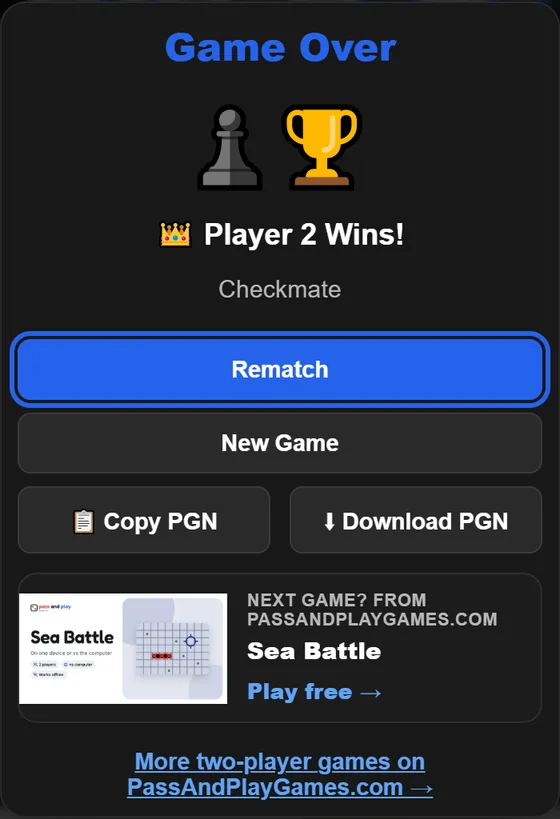
- When the game ends, the result screen offers Copy PGN and Download PGN. The file includes both player names, the date and the result.
- You can also export mid-game from the move list, for example to save an unfinished game (its result is written as
*).
Common mistakes
- Forgetting move numbers or writing two White moves in a row: the game will not import.
- Ambiguous moves. If both knights can reach d2,
Nd2is not enough; writeNbd2orNfd2. - Lower-case piece letters.
bis the b-file,Bis a bishop. - Writing the move before playing it. Under FIDE tournament rules you make the move first and record it afterwards; writing moves in advance is not allowed.
Questions
Is PGN the same as FEN?
No. FEN describes a single position (where every piece stands right now). PGN stores the whole game, move by move, and can include a starting FEN.
Do I have to record casual games?
No, it is optional. Recording is useful when you want to look at your mistakes later or share a nice game.
Can I open a PGN file on my phone?
Yes. Most chess apps and analysis websites can import PGN text, and any text editor can open the file.
Try it on a real board: free, no sign-up, set up in seconds.
♟ Play a two-player game