How to Play Pass and Play Chess on One Device
Pass and play chess means two people share one phone, tablet or computer and take turns on the same screen. This guide covers how to start a game, which board mode suits how you are sitting, and the house rules that keep a shared-screen game fair. The board is free, runs in your browser and needs no app or account.
♟ Play free now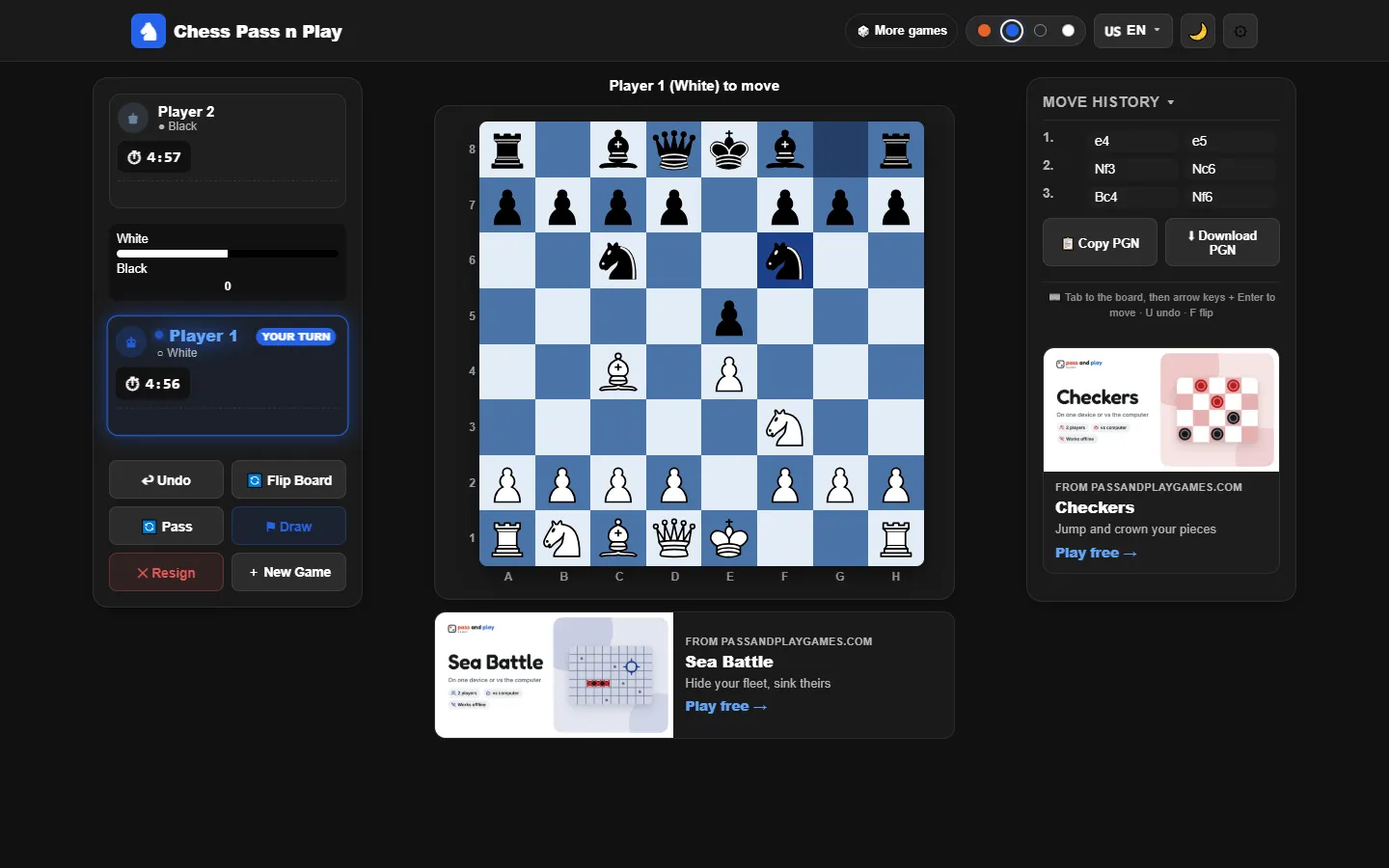
What Is Pass and Play Chess?
Pass and play chess (also written "pass n play" or "pass & play") is a normal game of chess between two people who share one device. White makes a move on the screen, then hands the phone or tablet to Black, or both players sit at the same screen. Many apps call it local multiplayer, "play in person" or "over the board".
You need one device and no internet connection to sync moves. The app does the parts a wooden set cannot: it only allows legal moves, spots checkmate and stalemate, keeps both clocks and records the game.
How to Play Pass and Play Chess, Step by Step
A game takes a few seconds to set up, with no account.
- Open the board. On the pass and play chess board, tap how you are sitting on the start screen and the game starts. Player names and a clock are optional.
- White moves first. The player with the White pieces taps a piece, then the square to move to (dragging works too).
- Hand the device over. In Pass & flip mode the board turns after each move, so Black sees their own pieces at the bottom.
- Take turns until the game ends. Keep passing the device, or leave it flat on the table between you, until checkmate, stalemate, a draw or a resignation.
Choose a Board Mode for How You Are Sitting
- Pass & flip (one phone): after each move the board turns by itself so the next player sees their own pieces at the bottom. An optional hand-over screen (Settings) hides the board while the device changes hands and pauses the clock.
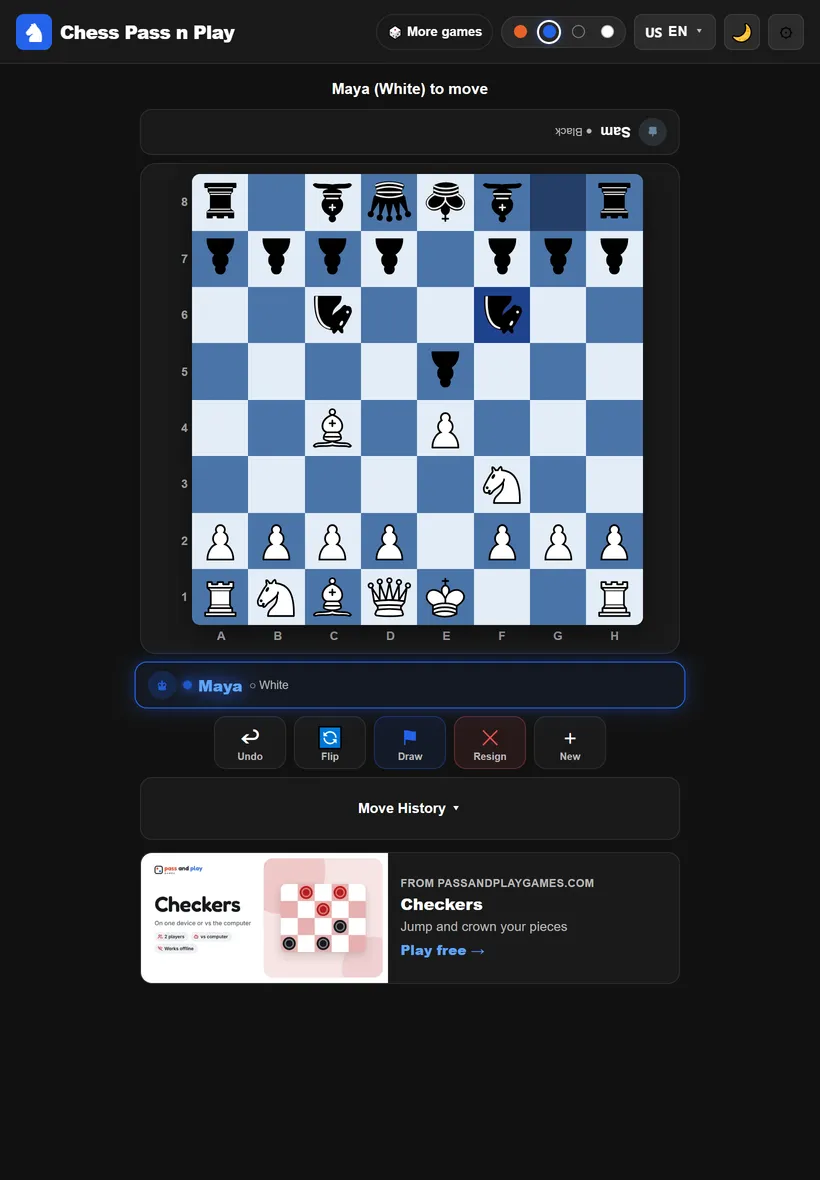
- Table mode (tablet lying flat between you): the board never moves. The far player's pieces and name bar are turned to face them, like sitting at a real board. Setting up a tablet for two players covers seating and rotation lock.
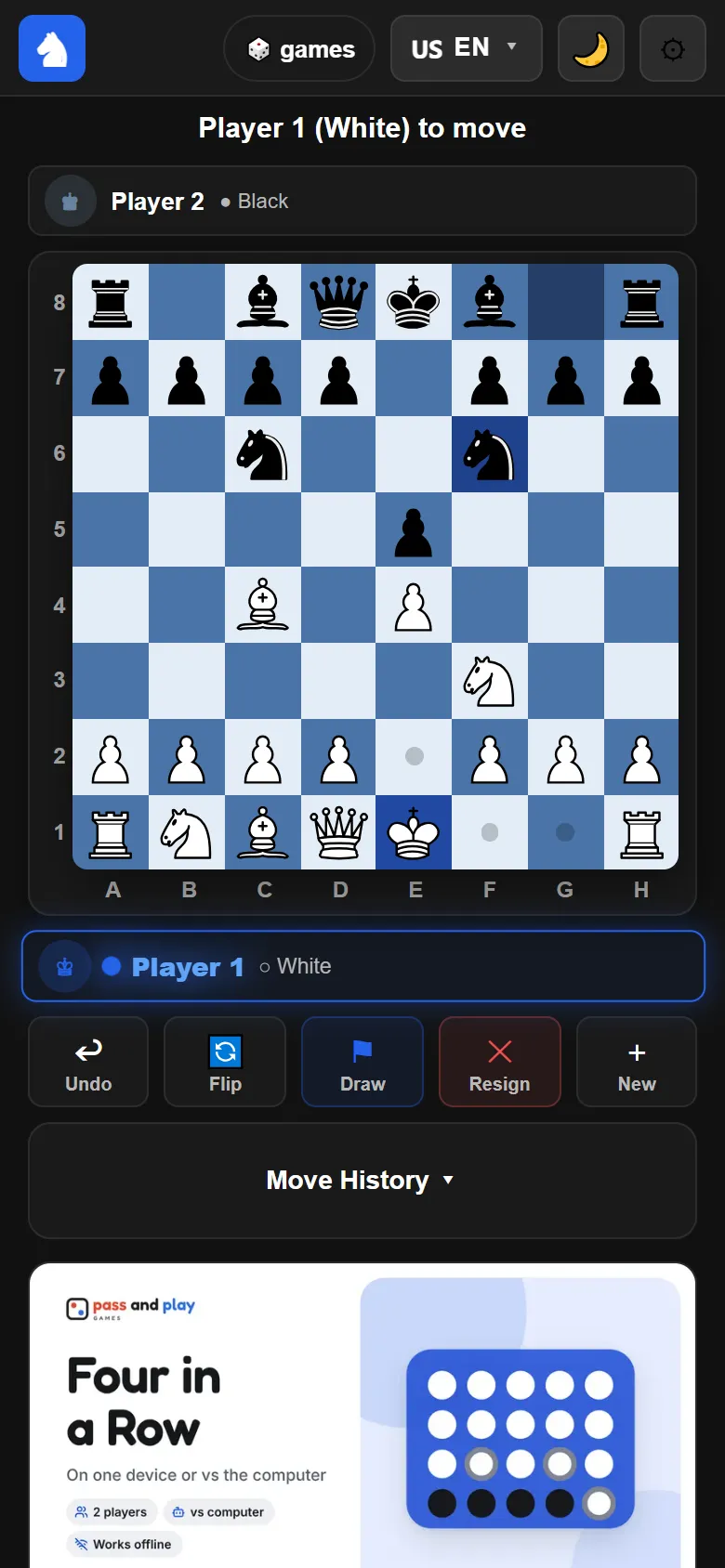
- Fixed (side by side on a laptop): Player 1's side stays at the bottom. Press Flip (or F on a keyboard) to see the board from the other side.
Pass and Play Chess Rules
The rules of chess do not change when you share a screen: the board enforces castling, en passant, promotion, check and every kind of draw. What a shared device adds is a few situations a wooden board never has. Agree on these before the first move:
- Undo or no undo. Undo takes back one move. In a friendly game, allow it for a mis-tap; in a serious game, agree that a move made is a move played.
- Touch-move on a screen. Tapping a piece only selects it, and you can still pick another. Decide whether a selected piece must be moved, as "touch-move" does over the board.
- Hand-over time on the clock. Your clock stops as soon as your move is made, so the opponent's time runs while the device travels. For close games, switch on the hand-over screen in Settings: it pauses the clock until the next player is ready.
- Move hints. Hints only show where the selected piece can legally go, never the best move, so they are fair for both players. Turn them off in Settings for a stricter game.
- Draws and resignations. Use the Draw and Resign buttons so the result is saved with the game and appears in the PGN.
When to Use Pass and Play
A 2 player chess game on one phone is handy wherever a physical board is impractical:
- Traveling & Commuting: Play on airplanes, trains, or during long car rides without worrying about losing physical pieces.
- Waiting Rooms: Pass the time with a friend or family member while waiting for an appointment.
- Lunch Breaks: Squeeze in a quick blitz game with a coworker over a shared lunch table.
- Camping Trips: Play offline in nature, even without cell service or Wi-Fi.
- Family Game Night: A great way to teach kids how to play chess on a device they are already comfortable using.
Pass and Play vs Online Chess vs a Computer
How does sharing a device compare to other ways to play digital chess?
| Feature | Pass & Play | Online Chess | Play with AI |
|---|---|---|---|
| Opponent | Friend (in person) | Real person (remote) | Computer engine |
| Internet Required? | No (Fully Offline) | Yes | No |
| Device Setup | 1 Device Shared | 2 Devices | 1 Device |
| Social Aspect | High (face-to-face) | Medium (chat only) | None |
Looking for AI practice? Read practising chess against a computer, or compare pass and play with online chess.
Pass and Play on Chess.com and Lichess
Both big chess sites have a same-device mode, but only in their phone apps. The Chess.com app calls it "Play in Person" (older versions still say "Pass & Play"): tap Play, then More, then Play in Person. The Lichess app has an "Over the board" mode. Neither website has one, so on a PC people fall back on the analysis board or two browser tabs. Pass and play on Chess.com and Lichess walks through each option. A browser board like this one works the same on a phone, tablet or PC, with no install or account.
Pass and Play Features
Automatic Board Flip
In Pass & flip mode the board turns 180 degrees after every move, so neither player has to play upside down.
Built-in Chess Clock
Play pass and play chess with a timer: 1, 3, 5 or 10 minutes each, with an optional 2 or 5-second increment. Need a clock for a wooden board? Use the free chess clock.
Offline Capability
Open the board once while online and it keeps working without a connection. See 2 player chess offline for how it works.
Move Hints
Learning the game? Tap a piece and every square it can legally move to is highlighted. Hints are on by default and can be turned off in Settings.
Dark & Light Mode
Switch between a dark and a light theme to suit the room you are playing in.
Everything in the Game
What you get on the board itself, with nothing to install and nothing to pay.
- Every rule checkedOnly legal moves are allowed, including castling, en passant and promotion. Check, checkmate, stalemate, threefold repetition, the 50-move rule and insufficient material are detected for you.
- Undo, draw and resignTake back the last move, offer a draw or resign, then start a new game in one tap.
- Move list and reviewEvery move is listed. Tap an earlier move to see that position, then jump back to the live game.
- Captured pieces and materialSee what each side has taken and who is ahead on material.
- Save and export as PGNThe game is saved in your browser, so a refresh never loses it. Copy or download the moves as PGN. See how to record a chess game.
- Clock or no clockPlay without a clock, or give each player 1, 3, 5 or 10 minutes with an optional 2 or 5 second increment.
- Add it to your home screenInstall the board from Settings to open it like an app, even without a connection.
- Keyboard playOn a computer, tab to the board and move with the arrow keys and Enter. U undoes a move and F flips the board.
Frequently Asked Questions
Pass and play means two people play one game of chess on a single device. One player makes a move, then passes the phone or tablet to the opponent for the next move.
Yes. Pass & flip mode is made for two players sharing one phone or tablet: the board turns after each move so each player sees their own pieces at the bottom.
In Pass & flip mode, yes: after White moves the board turns 180 degrees for Black, and back again. Table mode and Fixed mode keep the board still.
Yes. Open the board in any browser on a Windows PC, Mac or Chromebook and choose Fixed mode, so White stays at the bottom while you sit side by side. Chess.com and Lichess only offer pass and play in their phone apps.
No. Once the board has loaded on your device, you can play pass and play chess anywhere, even without Wi-Fi or mobile data.
You can use the built-in chess clock with options for 1, 3, 5, or 10-minute games, paired with increments of 0, 2, or 5 seconds added per move. New to clocks? Read how to use a chess clock.
Yes. The board is free to use in your web browser, with no fees, no third-party ads and no sign-up.
No. The board runs in the browser on any phone, tablet or computer. You can add it to your home screen from Settings if you want an app icon, but you do not have to.
Yes. Undo takes back the last move, the game is saved in your browser so a refresh never loses it, and you can copy or download the moves as PGN.
Yes. Lay the tablet flat between you and choose Table mode: the board stays still and the far player's pieces face them.
Ready for a match?
Grab a friend and start playing on a single device right now.
Play pass and play chess